← Back to the MP3 to MIDI converter
Does BandLab have audio to MIDI?
Yes. BandLab's own help centre documents an audio to MIDI tool that converts your voice, instrument or drum recordings into MIDI tracks.
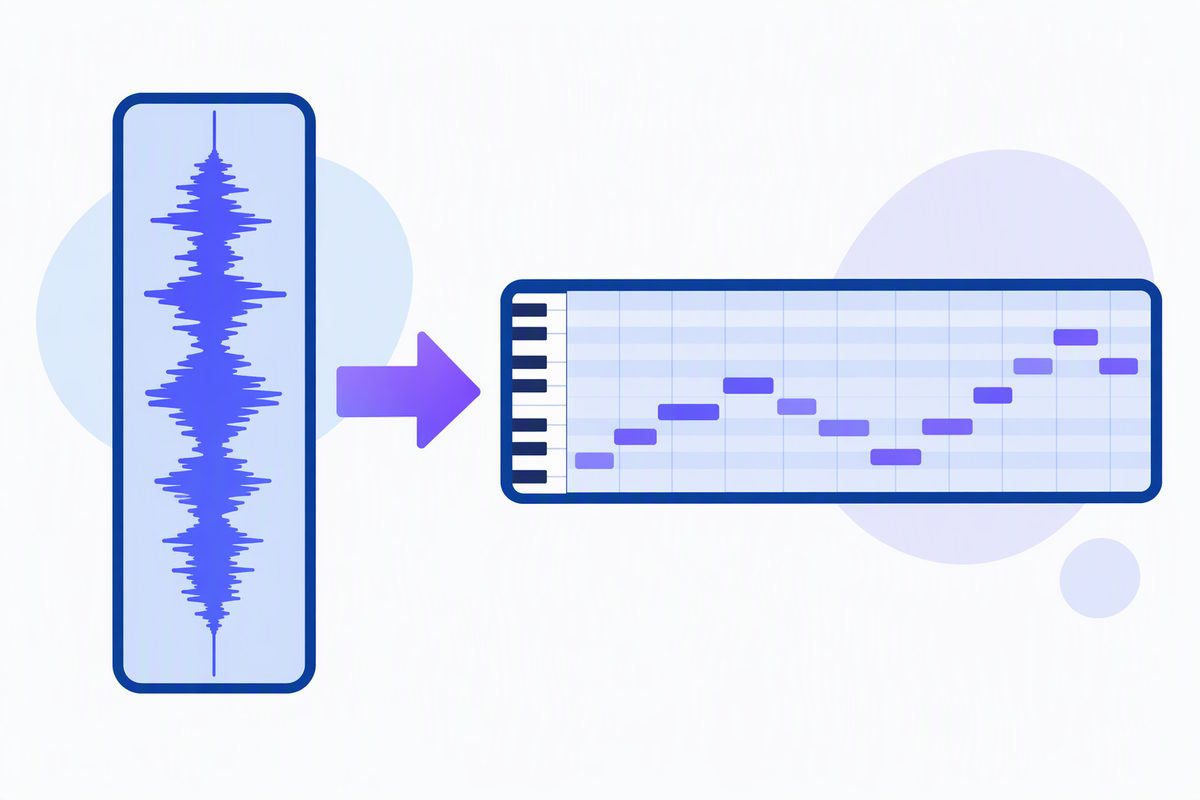
What BandLab documents
BandLab's help centre describes the audio to MIDI tool as converting voice, instrument or drum recordings into MIDI tracks. The type selection sits next to the control — you pick whether you're converting voice, instrument or drums before it runs, which is worth knowing because picking the wrong one is the most common reason people think it "didn't work".
We're describing the documented feature, not walking the taps. Interface layouts shift between app versions, and we haven't verified yours — open BandLab's help article for your version.
The trade-off with a browser-based app
BandLab runs in the cloud, so the usual implication follows: your recording goes to their servers to be processed. That's a completely reasonable deal for a free collaborative DAW, and it's how they can offer heavier processing than a phone or a browser tab could manage alone. But it does mean the audio leaves your device.
If you'd rather it didn't
If the file is something you'd rather keep local — an unreleased take, a client's recording, a voice memo — the conversion can happen on your own device instead:
- Convert in your browser. Drop the audio on the converter, press Convert to MIDI, press Download .mid. Nothing is uploaded; it runs locally.
- Open the .mid wherever you want — including back in BandLab, if that's where the rest of the project lives.
What comes out
A single melody line. Clean, single-line sources — a vocal, a flute, a synth lead, a solo instrument — give the most usable result. A dense mix with chords and several instruments becomes an approximation of the most prominent line, not every part written out.