← Back to the MP3 to MIDI converter
What is audio to MIDI?
It means listening to a recording and writing down which notes are being played, and saving that as a MIDI file. It does not change the sound — it turns what was played into a list of notes you can edit.
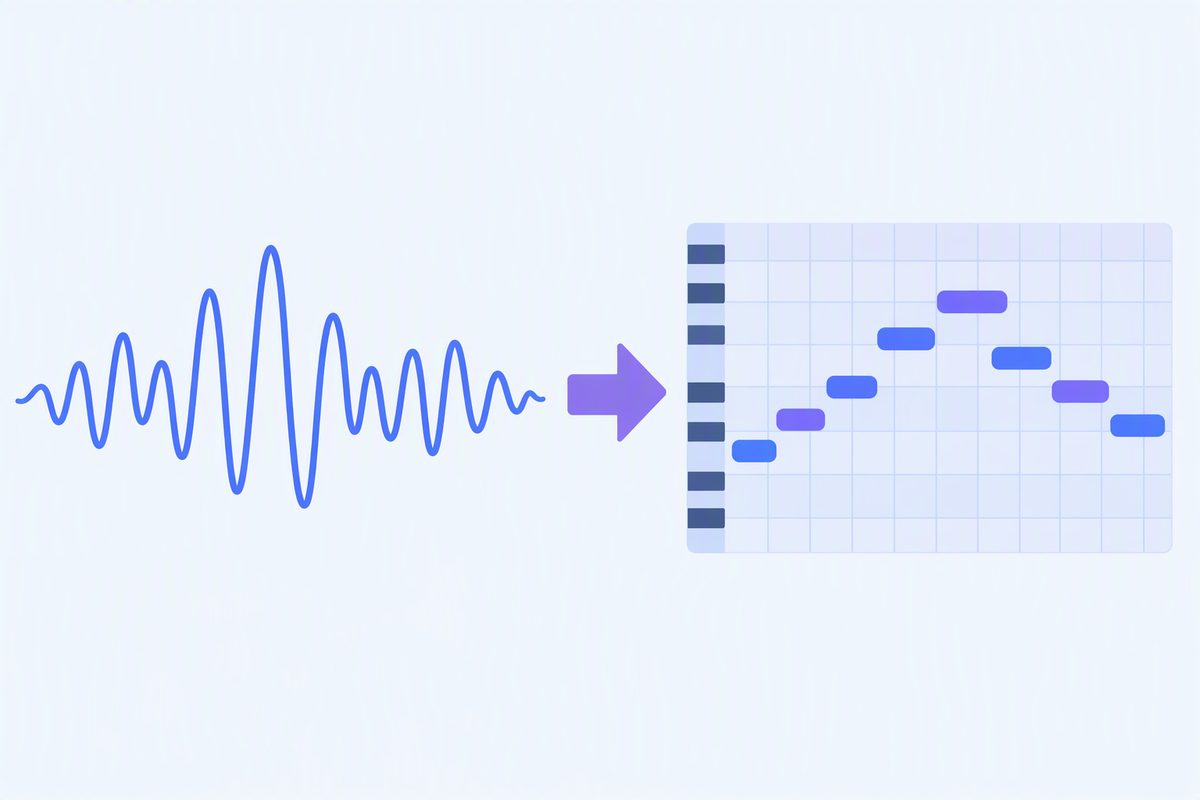
The two things being confused
Audio is a recording of sound. An MP3 or a WAV stores the shape of the air pressure over time — that's why it plays back the same on any device, and why it captures a voice, a room and a guitar all mixed together as one waveform.
MIDI stores instructions, not sound. A MIDI file says: note 60 starts here, lasts
this long, was played this hard. No audio in it at all — which is exactly why you can open the same
.mid and have it come out as a piano, a synth or a marimba depending on what's playing
it.
So "audio to MIDI" is not a format conversion. It's transcription: a program has to figure out the pitches by listening, the way a musician would.
What actually happens
- The file is decoded into raw audio samples.
- The audio is read in short overlapping frames.
- Each frame is checked for a fundamental pitch.
- Consecutive frames holding the same pitch are grouped into one note, long enough that flicker doesn't become a note.
- Each note is written as a MIDI note-on / note-off pair and packed into a Standard MIDI File.
That's what the converter on this page does, in your browser, without the audio leaving your device.
What you get out
A Standard MIDI File (format 0, single track, 480 ticks per quarter note, 120 BPM) containing the detected melody. Open it anywhere — Ableton, Logic, FL Studio, GarageBand, MuseScore — and it behaves like MIDI you typed in by hand: change the instrument, fix a wrong note, quantise the timing.
What it is not
- Not a format conversion. It's a listening step, which is why results vary with the recording.
- Not multi-instrument separation. A single-line detector tracks one pitch at a time, so a full band mix comes back as an approximation of the top line. Chords are not split into separate voices.
- Not a promise of accuracy. Clean, single-line sources — a vocal, a flute, a synth lead, a solo instrument — give the most usable result. Heavily compressed, reverberant or noisy audio gives a rougher one. We don't print an accuracy percentage, because the honest answer is that it depends on the recording.