← Back to the MP3 to MIDI converter
Can Cubase convert audio to MIDI?
Yes. Steinberg's own help documentation covers extracting MIDI from audio: in the VariAudio section, open the Functions menu and select Extract MIDI. That's a documented feature, not a workaround.
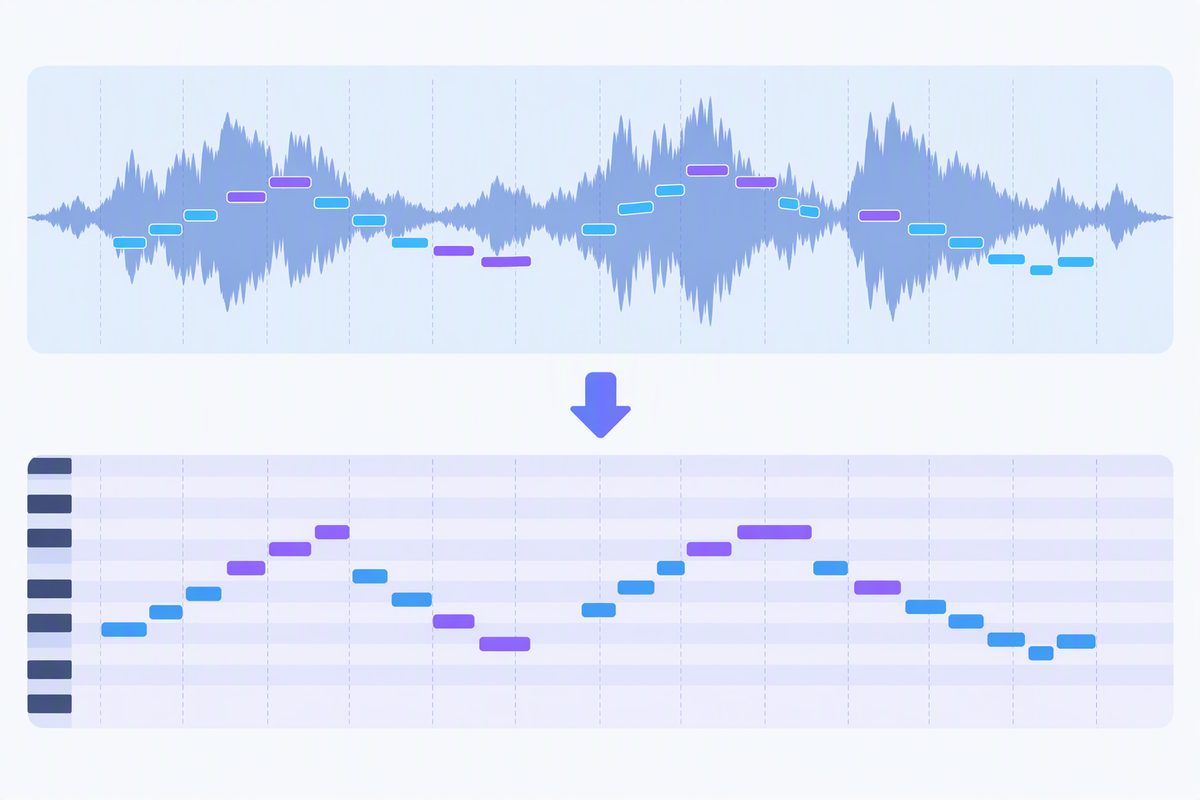
What Steinberg documents
Steinberg's help site describes creating a MIDI part from audio data: with the audio open in the sample editor's VariAudio section, the Functions menu contains Extract MIDI. If you already have Cubase open, that's the first place to look — and because it runs after VariAudio has analysed the pitch, it's working from real pitch data rather than guessing.
We're naming the documented command, not restating the full click path. Menu wording and panel layout differ between Cubase versions and editions, and we haven't verified yours — open Steinberg's help for your version to see the exact steps.
When you want the file instead of a part
Extracting inside Cubase gives you a MIDI part in that project. If what you need is a standalone
.mid — to send to someone, to open elsewhere, to keep as an asset — convert first and
import the result:
- Convert in your browser. Drop the audio on the converter, press Convert to MIDI, press Download .mid. It runs on your device; nothing is uploaded.
- Import the .mid into Cubase as you would any MIDI file. Then it's ordinary MIDI: change the instrument, clean up notes, quantise.
What to expect
A single melody line. Clean, single-line sources — a vocal, a flute, a synth lead, a solo instrument — convert best. A dense mix with chords and several instruments comes back as an approximation of the most prominent line rather than a full transcription of every part.