← Back to the MP3 to MIDI converter
Can FL Studio convert MP3 to MIDI?
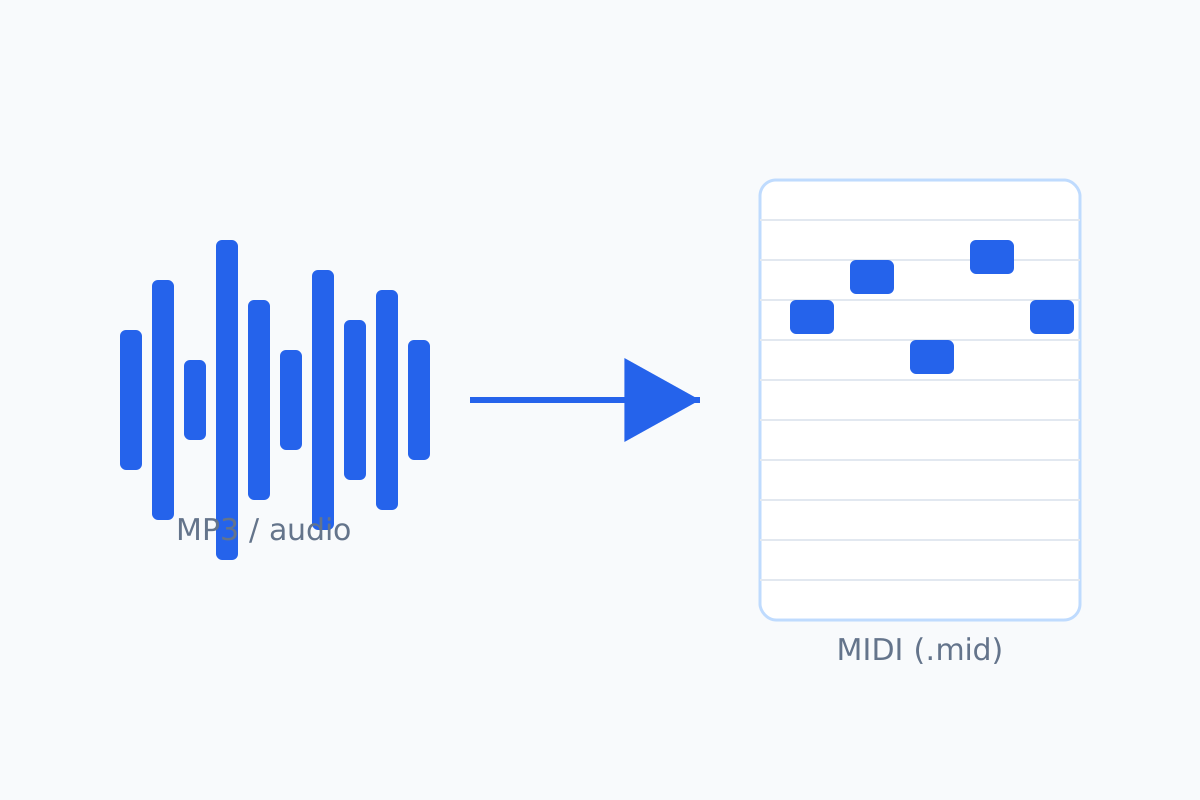
FL Studio reads and writes MIDI files. But dropping an MP3 in gives you an
audio clip, not notes — so the reliable route is to convert the audio to a
.mid first (in your browser, nothing uploaded), then import that .mid into FL.
What FL Studio actually does with MIDI (documented)
Image-Line's FL Studio manual covers MIDI in both directions: there's a MIDI import tool for
bringing MIDI into the piano roll, and piano roll data can be exported as a MIDI file. So yes — FL
Studio reads and writes .mid.
What we couldn't confirm
We looked for an official Image-Line page describing a direct audio-to-MIDI conversion and didn't find one. You'll see community advice — often pointing to Edison's convert to score — saying a monophonic clip can be turned into notes. That's forum guidance, not documentation, and it only works for single-line material. We won't state that FL Studio has a confirmed one-click MP3→MIDI feature.
The route that works either way
- Convert the MP3 to MIDI in your browser. Drop the file on the converter, press Convert to MIDI, press Download .mid. It runs on your device; the audio is not uploaded.
- Bring the .mid into FL Studio. It lands in the piano roll as normal MIDI: re-instrument it, clean up notes, quantise.
This doesn't depend on any undocumented feature, and the same file opens in any other program that reads MIDI.
Why not just drop the MP3 in
An MP3 in FL Studio is audio you can play and slice, but it isn't editable as notes until something
transcribes it. Doing the transcription first gives you a portable .mid that opens in FL,
Ableton, Logic, GarageBand — anything that reads MIDI.
What to expect from the conversion
A single melody line. Clean, single-line sources — a vocal, a flute, a synth lead, a solo instrument — give the most usable result. A dense mix with chords and several instruments comes back as an approximation of the top line, not every part written out.
Honest boundary: if you specifically need chords or a full mix separated into parts, a single-line detector (including this one) won't give you that — that's a polyphonic problem, and nothing that runs only in your browser realistically will.