← Back to the MP3 to MIDI converter
Can Ableton convert audio to MIDI?
Yes. Ableton's own reference manual carries a chapter titled
Converting Audio to MIDI, so this is a documented capability rather than a trick. If what
you actually want is a .mid file you can take anywhere, you can also convert before the
audio ever reaches Live.
What Ableton offers
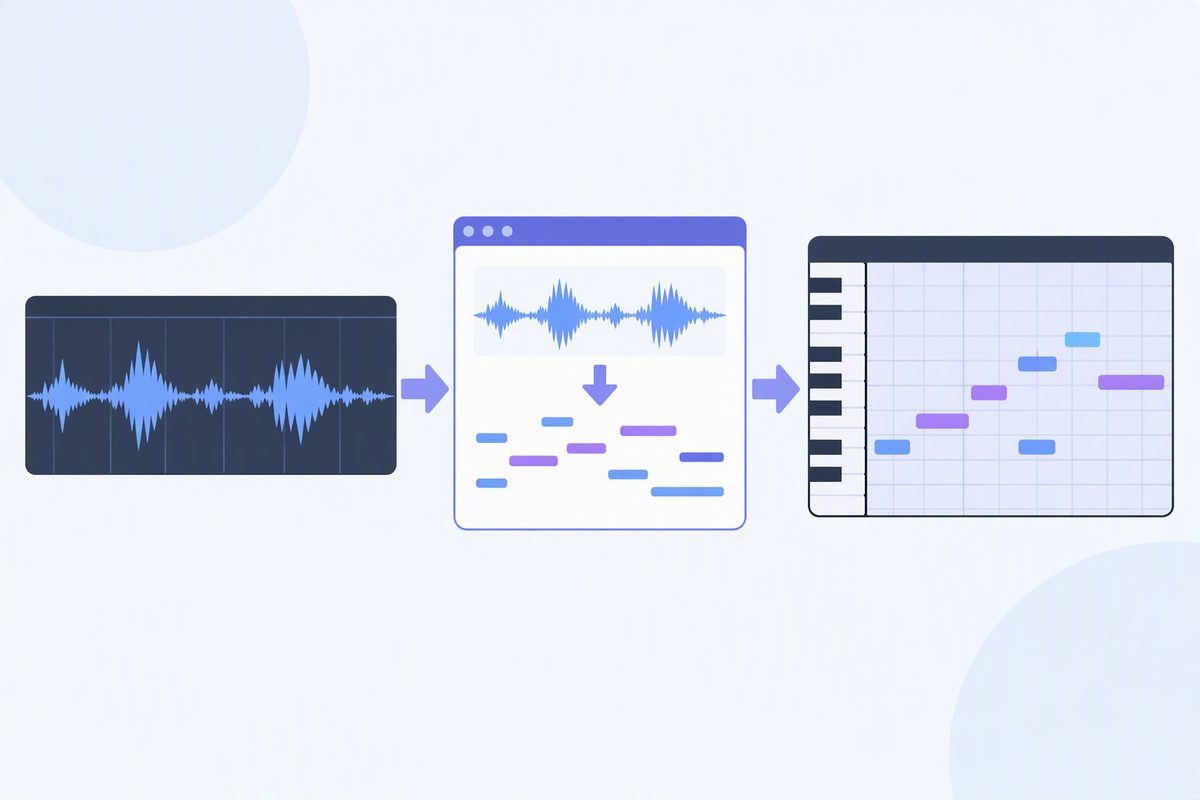
Ableton publishes a manual chapter on converting audio to MIDI at ableton.com/en/manual/converting-audio-to-midi. It covers generating MIDI from audio — the chapter notes that the Convert Harmony command works with music from your collection, and also with audio recordings you bring in yourself.
So if you already work in Live, start there. It is the shortest path from a clip on an audio track to notes on a MIDI track, and it happens inside the session you're already in.
When you'd rather have the file instead
Sometimes the conversion shouldn't live inside the session — you want the MIDI as a separate file, to hand to someone, to open in another program, or to keep as a plain asset. Then it's simpler to do it before importing:
- Convert in your browser. Drop the file on the converter, press Convert to MIDI, press Download .mid. Nothing is uploaded — it runs on your device.
- Bring the .mid into Live like any other MIDI file. Now it's a normal MIDI clip: swap the instrument, edit notes, quantise.
Doing it this way also means the same file opens in anything else that reads MIDI, not just Live.
What the MIDI looks like
Expect a single melody line. Clean, single-line sources — a vocal, a flute, a synth lead, a solo instrument — give the most usable result. A dense mix with chords and several instruments comes back as an approximation of the top line rather than every part notated. That isn't an Ableton limitation or ours; it's what a monophonic pitch detector can do.
What we're not restating
We're quoting the manual's chapter title and the Convert Harmony command because that is what Ableton's page says. We're not going to list menu paths, shortcut names, or which Live edition includes which command — that varies by version, and we haven't verified it for yours. Check that manual page for your version.