← Back to the MP3 to MIDI converter
Can GarageBand convert audio to MIDI?
GarageBand opens MIDI files without any trouble — that part is easy. Turning a recording (an MP3, a voice memo, a WAV) into MIDI notes is a different job, and that job is a conversion, not an import.
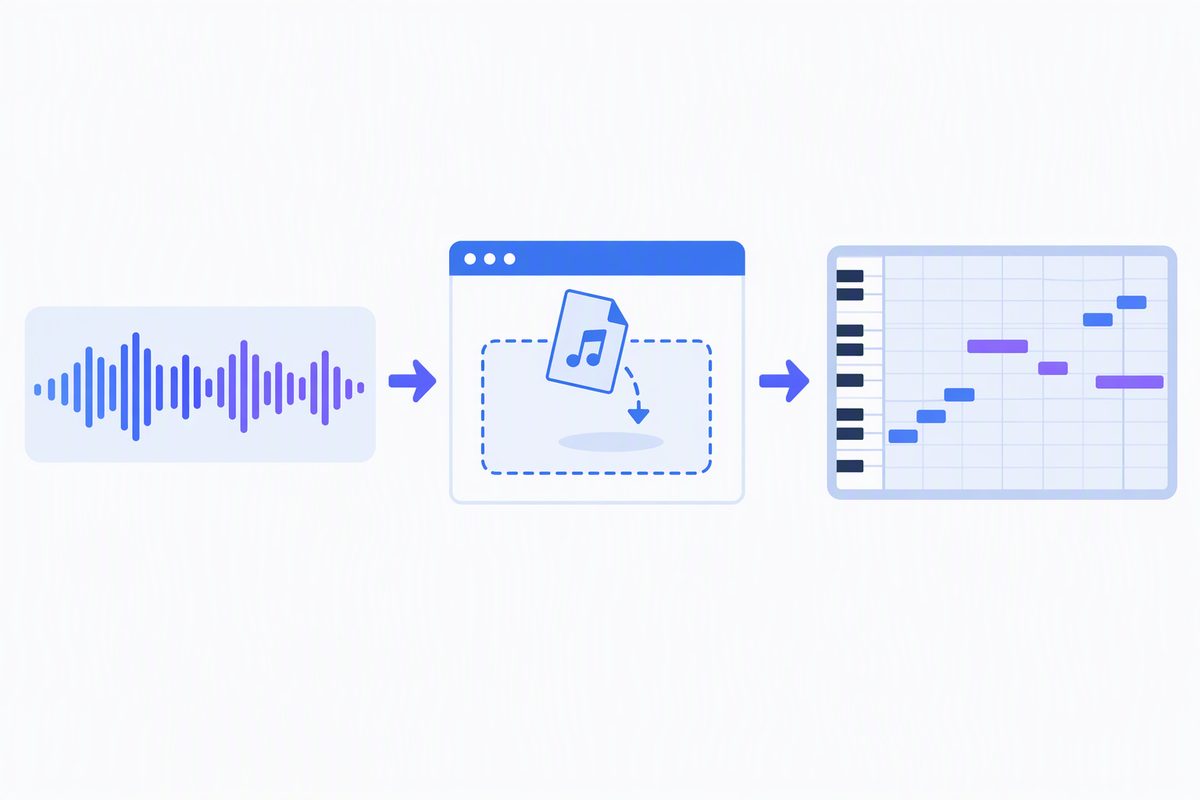
What actually works, in any DAW
- Convert the audio to a MIDI file first. Drop the file on the converter, press Convert to MIDI, then press Download .mid. It runs in your browser — the audio is not uploaded anywhere.
- Import the .mid into GarageBand like any other MIDI file. From there it is normal MIDI: change the instrument, fix notes in the piano roll, quantise.
Why this order matters
A DAW project and a Standard MIDI File are different things. MIDI stores notes, not sound. So
the conversion has to happen somewhere — either inside a program that offers it, or before the file
reaches your DAW. Doing it beforehand means you end up holding a portable .mid you can
open in GarageBand, Logic, Ableton, FL Studio or anything else that reads MIDI.
What we won't claim
Whether a given GarageBand version ships its own audio-to-MIDI feature is not something we can confirm from an official source, so we won't claim it either way. What we can tell you is that the route above works regardless, because it only depends on GarageBand being able to open a MIDI file — which it does.
One catch to expect
The MIDI you get back is a single melody line. If your source is a full mix with chords and several instruments, expect an approximation of the top line, not every part written out. Clean, single-line sources — a vocal, a flute, a synth lead, a solo instrument — give the most usable result.