← Back to the MP3 to MIDI converter
Can ChatGPT convert MP3 to MIDI?
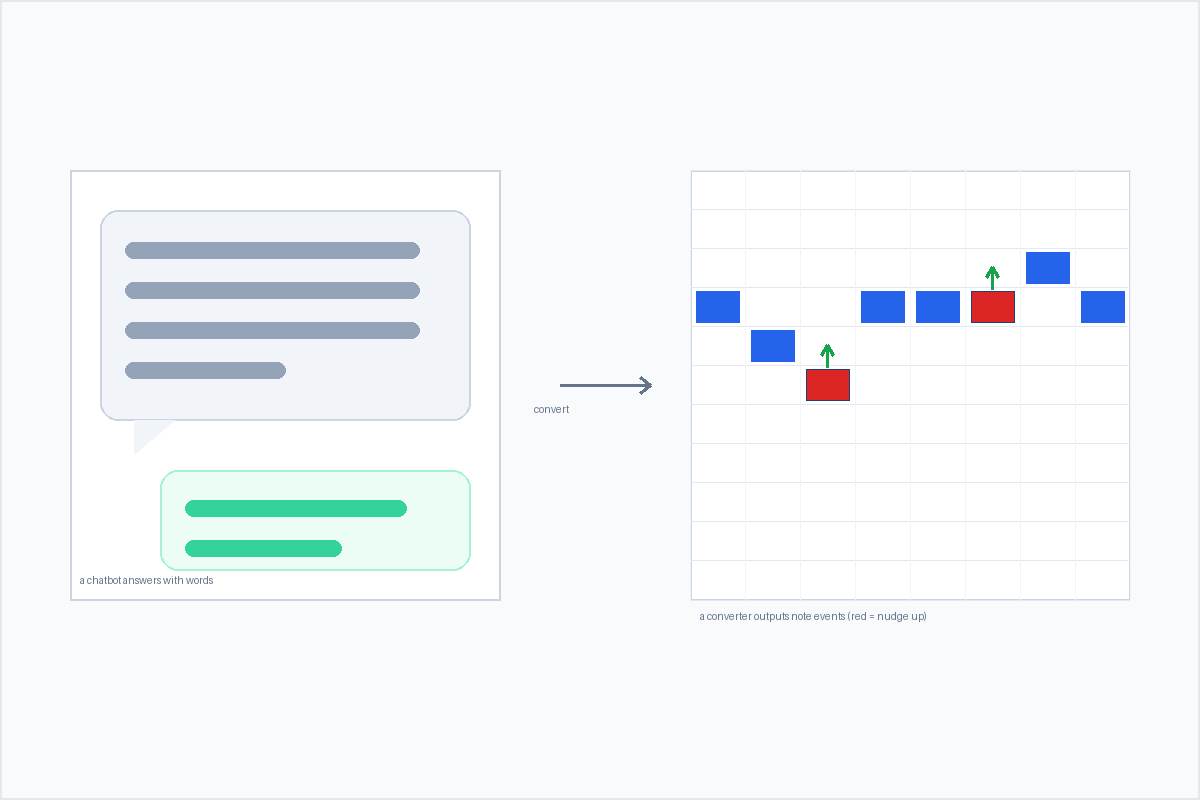
Not as a direct file conversion. A chatbot answers with words, and getting a downloadable .mid from an MP3 means detecting pitches in the audio — that's a converter's job, done in your browser, not a chat reply.
Why a chatbot can't hand you a MIDI file
MP3 to MIDI is not a language task. A MIDI file is a list of note events — pitch, start time, length — and producing it means reading the actual waveform and deciding, frame by frame, what pitch is sounding. A text model answers prompts; it does not take your audio file and output note events. You can describe a song to it in words, but that gives you words, not a transcription of the recording you actually have.
The reliable shape is therefore simple: run the audio through something that does pitch detection, get a .mid, then use it wherever you want. Nothing about that depends on a chatbot having a "convert" button.
What actually turns an MP3 into MIDI
The converter on this site runs entirely in your browser — the audio is decoded and analyzed on your device, nothing is uploaded, and there is no account to sign in to. Drop an MP3 (or WAV, OGG, M4A/AAC, or FLAC), press convert, and download a Standard MIDI File.
The output is SMF format 0: a single track, 480 ticks per quarter note, at 120 BPM. There is no file-length or size limit written into the page — only whatever your device's memory allows. It extracts one melodic line from the audio; it is not separating the instruments in a mix. That keeps it honest and fast: for a single line you already have as a clean recording, it is the shortest path to a usable file.
No accuracy percentage is printed, on purpose. The result depends entirely on the source you feed it, and any number we printed would be a guess; what we can state is exactly how the output is built and where its limits sit.
Why even the smartest converter gives a draft on some material
This is the part that surprises people, and it applies to every pitch-detection tool, AI-labeled or not. A detector has to round a continuously moving pitch into semitone note events. Any note that bends, slides, or wobbles (vibrato) gets snapped to the nearest semitone, so it lands sharp or flat even when the pitch was detected correctly. Guitar bends and wide vibrato, vocal slides and runs, blues and soul bent notes, sustained string vibrato, and quarter-tone music land out of tune almost by definition. A clean solo piano or a steady synth lead, by contrast, comes out fine.
So the honest framing is: it is not that a free tool is "worse" than a paid one. In producer forums the complaints about out-of-tune output attach to free browser tools and the $80 desktop options alike — even the well-rated paid tools leave the correction work to you. Choose by running a bend-heavy clip of your own through a trial and watching what it does with the bends, not by whether it is free.
The rough test before you convert: can you hum the line as steady steps? Then it will transcribe well. If the pitch travels while you hum it, expect drift, and plan to fix the few bent notes by ear. On bend-heavy material, treat the output as a draft — rhythm, contour, and a skeleton — and finish the last 20% yourself.