← Back to the MP3 to MIDI converter
Can VLC play MIDI files?
Without a soundfont VLC loads the MIDI and stays silent (0-byte WAV, measured); adding one was not tested here.
What was tested
- VLC 3.0.21 Vetinari (revision
3.0.21-1-0-g9c4768291e, built Jun 8 2024) on Windows 26H1, build 28000. - Test file:
_test.mid, 42 bytes, Standard MIDI File type 0, one track, written at 120 BPM. This is an extremely short, single-track file used only to trigger the decode path; the silent result below comes from the missing soundfont, not from the file being too short. - The machine had no audio device (
Get-PnpDevice -Class Audioreturned nothing) and no system soundfont (see the evidence below). WAV transcoding needs no sound card, and VLC's error names the missing soundfont, not the audio device.
VLC ships a MIDI synthesizer module
VLC's plugins folder holds 365 .dll files. Exactly one of them is a MIDI synthesizer: libfluidsynth_plugin.dll (151,944 bytes, dated 2024-06-09). That is the FluidSynth-based component VLC uses to turn MIDI into audio, so the capability is built in.
The system has no soundfont file
On this machine, gm.dls is absent from both C:\Windows\System32\ and C:\Windows\SysWOW64\. The registry still maps MIDI endpoints — midi=wdmaud.drv, midimapper=midimap.dll, midi1=wdmaud2.drv — but no actual .SF2 soundfont exists for VLC's FluidSynth to load.
Rendering the test file produced a 0-byte WAV
Using VLC's own stream output, transcode{acodec=s16l,samplerate=44100,channels=2}:std{access=file,mux=wav} on _test.mid, the output file was written at 0 bytes. VLC's own log states the cause verbatim:
fluidsynth generic error: sound font file required for synthesis
A sound font file (.SF2) is required for MIDI synthesis.
The test file was 42 bytes on purpose
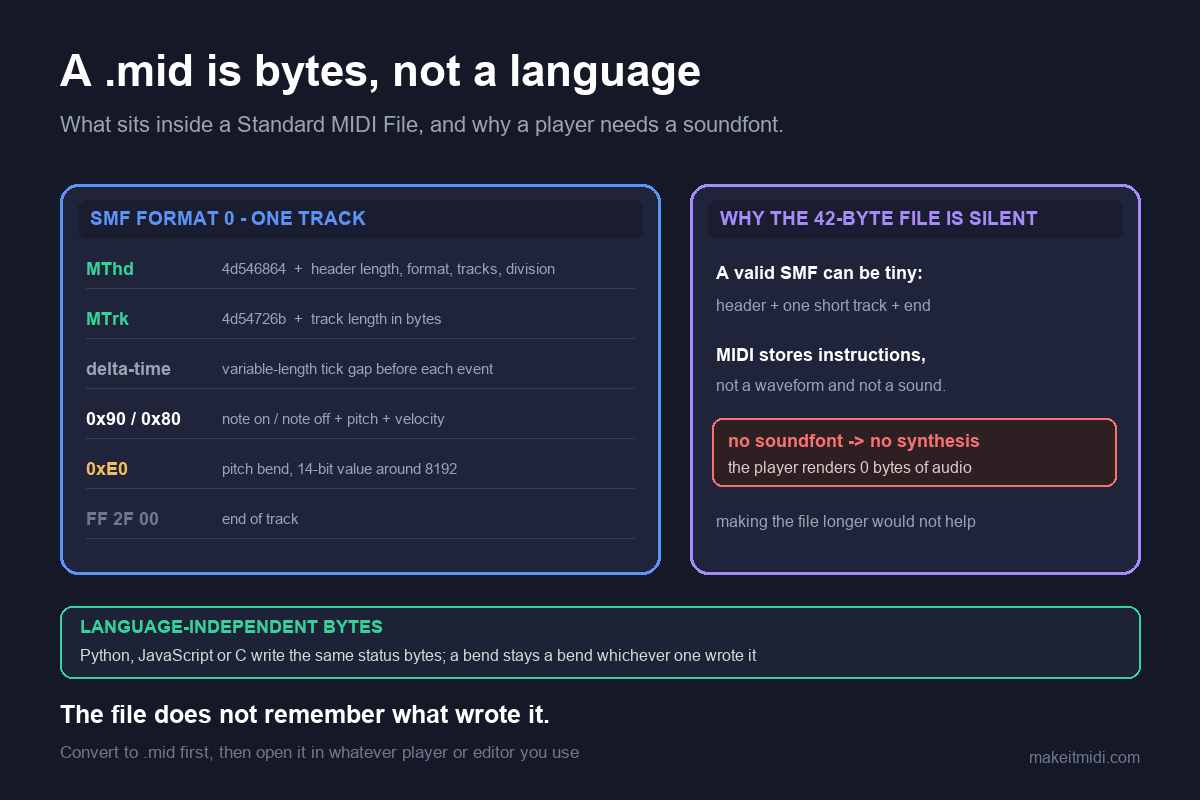
The MIDI used here is 42 bytes: a single track, type 0, 120 BPM. It is tiny by design, just enough to exercise the decode path. The silence is not because the file was too short — VLC parsed it (the log shows detected Standard MIDI File (type 0) with 1 track(s)) and then failed only at synthesis for lack of a soundfont.
Adding a soundfont (not verified here)
Whether VLC then produces audible MIDI after a soundfont is supplied was not verified on this machine. No soundfont was installed and no audio was played back during this test, so this page gives no configuration steps.
Bottom line
VLC cannot synthesize MIDI without a soundfont: with none present it loads the file and stays silent (measured, 0-byte WAV). Whether it then plays after a soundfont is added was not tested on this machine.