← Back to the MP3 to MIDI converter
What format is the MIDI file when you convert MP3 to MIDI?
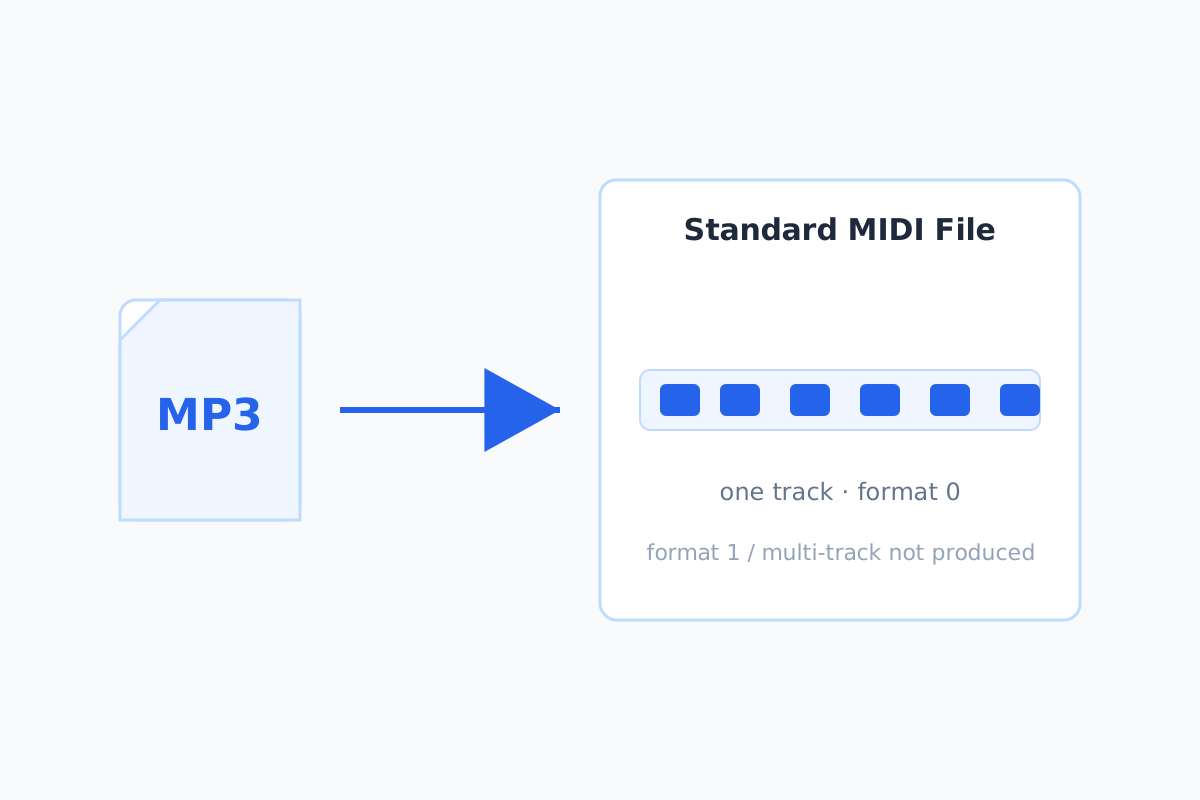
You download a Standard MIDI File (a .mid). Specifically it's SMF
format 0 — a single track holding the detected notes. That's the simplest, most
portable form, and it's what a single melodic line needs; we don't export format 1 or any other score
format.
What a .mid actually is
A Standard MIDI File stores notes — pitch, timing, duration — not audio. That's why "MP3 to MIDI"
is a transcription, not a re-encode: the converter estimates the pitch in each moment of the audio and
writes it as notes. Any DAW (Ableton, Logic, FL Studio, GarageBand) or notation program (MuseScore)
opens a .mid.
Format 0 vs format 1
Format 0 puts every note on one track; format 1 splits them across multiple tracks (for example, one per instrument). For the single melody line this converter detects, one track is all you need — format 0 keeps the file simple and opens everywhere. We export format 0, at 480 ticks per quarter note, 120 BPM.
What you won't get
This isn't a format converter in the "change the container" sense. There's no option for format 1,
no MusicXML, no guitar tab — and no audio file out. If you need a different score format, open the
.mid in your DAW or notation software and export from there.
How to actually do it
Drop the MP3 on the converter, press Convert to MIDI, press Download .mid. See the step-by-step for the full process.