← Back to the MP3 to MIDI converter
How do I convert audio to MIDI for free?
Open the converter on this site, drop the audio file, press Convert to MIDI, then press Download .mid. It costs nothing, asks for no account, installs nothing, and the audio is decoded on your device — it is not uploaded anywhere.
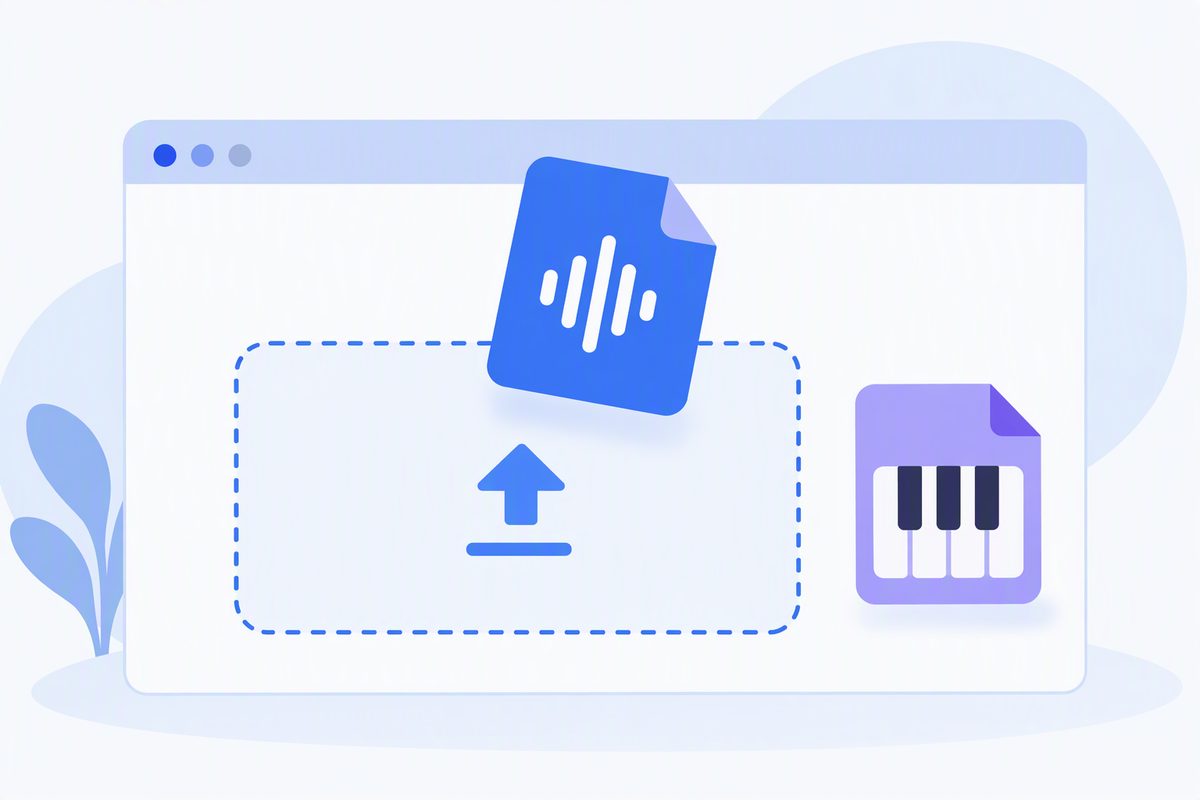
The steps, end to end
1. Open the converter and drop the file
On the home page, drag an audio file onto the dashed box, or click the box and pick one from your device. The page shows the file name and size once it has been read. Anything your browser can decode works — typically MP3, WAV, OGG, M4A and FLAC.
2. Press Convert to MIDI
The file is decoded into raw audio in your browser, then read in short overlapping frames. Each frame is checked for a dominant pitch (YIN with parabolic interpolation), and frames that share a pitch are grouped into one note. Nothing is sent to a server during this step — you can confirm it by opening the browser's network tab while converting.
3. Press Download .mid
You get a Standard MIDI File (format 0, single track, 480 ticks per quarter note, 120 BPM) containing the detected melody. Open it in any DAW or notation program — Ableton, Logic, FL Studio, GarageBand, MuseScore — or press Copy notes to grab the note list as text.
What "free" actually means here
Most "free" audio-to-MIDI sites attach a catch: a 30-second clip cap, a sign-up wall before the download, a server that takes your file, or a trial that quietly expires. The list below is what this page does and does not do, stated plainly so you can check it.
- No cost. There is no price tier, no credit, no watermark on the output.
- No account. No sign-up, no login, no email asked for. The page works the same the first time and the hundredth.
- No install. It runs in a normal browser tab. Nothing is downloaded to your
machine except the
.midfile you choose to save. - No upload. Decoding and pitch detection run on your device with the Web Audio API. The audio file never leaves your device; there is no backend server processing audio.
- No length cap written into the page. How long you can convert depends on your device's memory; long files take longer because every frame is analysed on your machine rather than on a server.
What you'll get — and what you won't
You get a single melodic line. Clean, single-line sources — a vocal, a flute, a synth lead, a solo instrument, a whistle or a hum — give the most usable MIDI. Dense, polyphonic material comes back as an approximation of the top line, because the tool extracts one pitch at a time. Chords, full mixes and drum kits are out of scope; this is a starting point to edit in your DAW, not a finished transcription.
We do not publish an "accuracy percentage" here, from us or borrowed from anywhere else, because the
honest answer is that it depends on the recording. A clean recording of one instrument can produce a
very usable .mid; a busy pop mix will not.