← Back to the MP3 to MIDI converter
How do you get high-quality MP3 to MIDI?
Quality in MP3 to MIDI is not a setting you switch on and it is not a bigger file — it comes from the source audio. A clean, single-instrument recording made in a quiet room beats a "high-bitrate" muddy mix every time, because the steps that decide the notes happen before any quality label is applied.
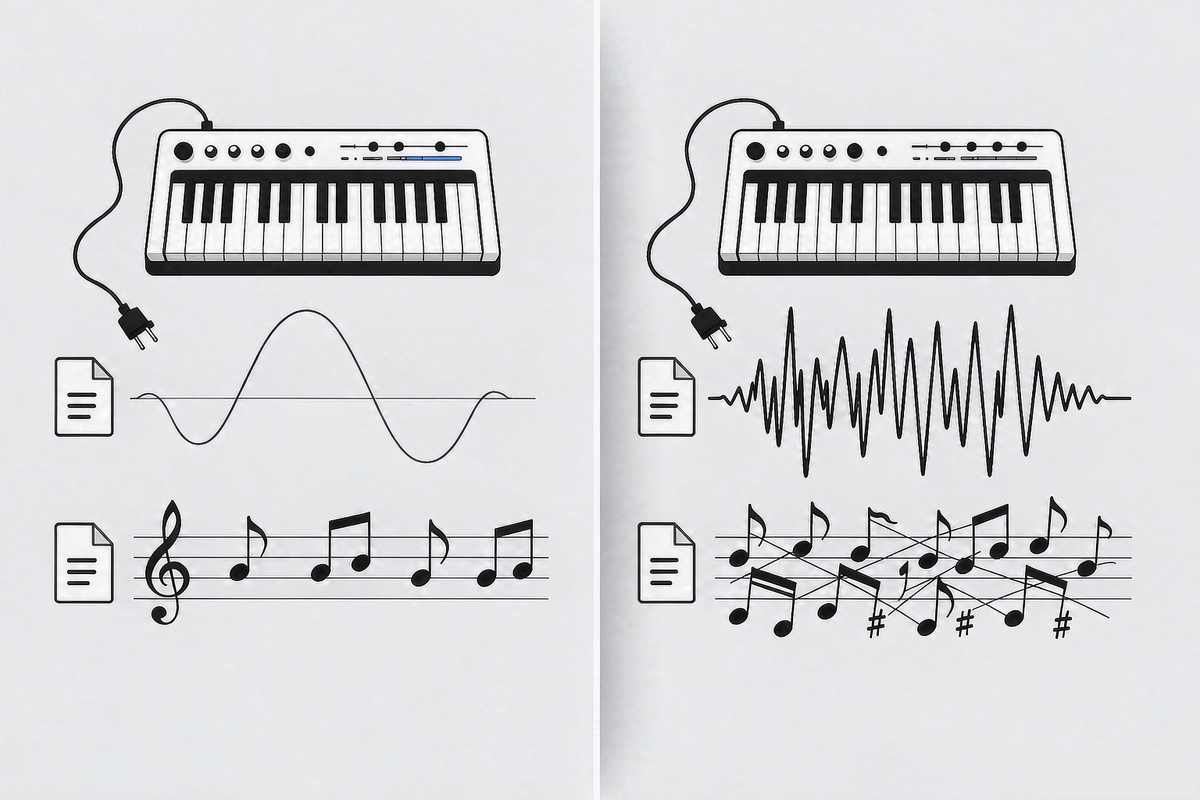
What "quality" means for a MIDI conversion
A converter does not "upgrade" audio into MIDI. It listens to the recording frame by frame and writes down the pitch it hears as a note event. The only thing that decides whether the notes are right is how clearly the detector can see one fundamental frequency at a time. That is a property of the recording, not of the file you saved it in. MP3, WAV, OGG, M4A/AAC and FLAC all decode to the same raw samples inside your browser, so the container and the bitrate do not change what the detector hears. We publish no accuracy percentage, because the result depends entirely on the recording you feed in; any single number would be a guess.
Everything that produces the file runs inside your browser: the audio is decoded locally and the pitch is detected locally, the audio never leaves your device, there is no upload, no account and no login, and you download the .mid directly. What it transcribes is a single melodic line, not a chord-by-chord or instrument-by-instrument separation. The output is a Standard MIDI File (SMF) format 0: one track, 480 ticks per quarter note, written at 120 BPM, carrying note number, start time and duration for each event.
What actually improves the result
The detector wants one clear pitch to follow. Give it that and the notes land:
- One instrument at a time. A solo vocal, a flute, a synth lead or a clean guitar line gives the detector a single moving pitch. A full band mix forces it to guess which of several competing pitches is "the" melody.
- A quiet room, low reverb. Reflections and background noise smear the spectrum, so the fundamental gets harder to pin to a semitone.
- Steady pitch, few bends. Vibrato, slides and ornaments are continuous pitch motion; the detector has to round them to the nearest note, which is where most "wrong" notes come from.
- A clear attack and decay. Notes with a defined start are easier to place in time than sustained drones or pad washes.
If you already have a dense track, the practical move is to pick the cleanest source you can: a live take over a studio stack, a solo arrangement over a full mix, the vocal stem over the instrumental. The converter treats them all the same way; you are just giving it less to untangle.
What does not help
A "high quality" label on the file changes none of the above. Converting from a 320 kbps MP3 instead of a 128 kbps one, switching to a "lossless" WAV, or paying for a more expensive converter does not make the detector hear a cleaner pitch — because the limit is in the rounding step, not in the file.
MIDI note numbers are whole semitones. During a pitch bend, slide or vibrato, the true fundamental frequency travels continuously between semitones, so each short analysis frame gets rounded to the nearest note; a bend becomes a little cluster of neighbours where you expected one sustained pitch. Microtonal material is pulled onto the nearest semitone for the same reason. This is worst on guitar bends and wide vibrato, vocal slides and melisma, string vibrato, blues and soul phrasing, and microtonal music, and nearly absent on clean, isolated piano single notes and a steady synth lead. The recurring complaint in community threads is that bends make the output sound out of tune — not that the tool was free, and not that the file was low quality. People describe the same drift on paid converters costing around $80.
There is also the classic bogus bass note. A just-intoned major triad sits at the ratio 4 : 5 : 6: C4 (261.63 Hz), E4 (329.63 Hz) and G4 (392.00 Hz) are all close to integer multiples of 65.4 Hz (divide by 4, 5 and 6), so the combined waveform repeats roughly once every 1/65.4 s. A period-based detector locks onto that shared repetition and reports about 65.4 Hz — C2, two octaves below the lowest note actually played. No amount of "higher quality" source file removes it; it is the arithmetic of three real notes overlapping.
What to do with a messy take
When the result is rough, the fix is in the editor, not in a quality setting:
- Convert the audio to a
.midfirst. Drop the file on the converter, press Convert to MIDI, then Download .mid. We do not claim any program offers or lacks a built-in fix for bends — we have not verified that against an official source for every version, and guessing about someone else's feature list would be worse than giving you a route that works everywhere. The step that always holds is: get the notes into your editor, then correct them there. - Use a single-note or monophonic mode for the awkward phrases if your editor has one, so the tool commits to one pitch per moment.
- Read the spectrogram for where notes glide or carry grace notes, and correct those positions by hand.
- Treat a bend-heavy take as a draft. A clean single-line source gives the detector one pitch to follow; a dense, bent mix gives it several competing ones. Cleaning the source beats cleaning the output.