← Back to the MP3 to MIDI converter
Why is my MP3 to MIDI conversion inaccurate?
It usually isn't wrong. The converter extracts a single melodic line, and in a dense or polyphonic recording several notes sound at once, so only the most prominent one comes through. You can get a much cleaner result by changing what you feed it.
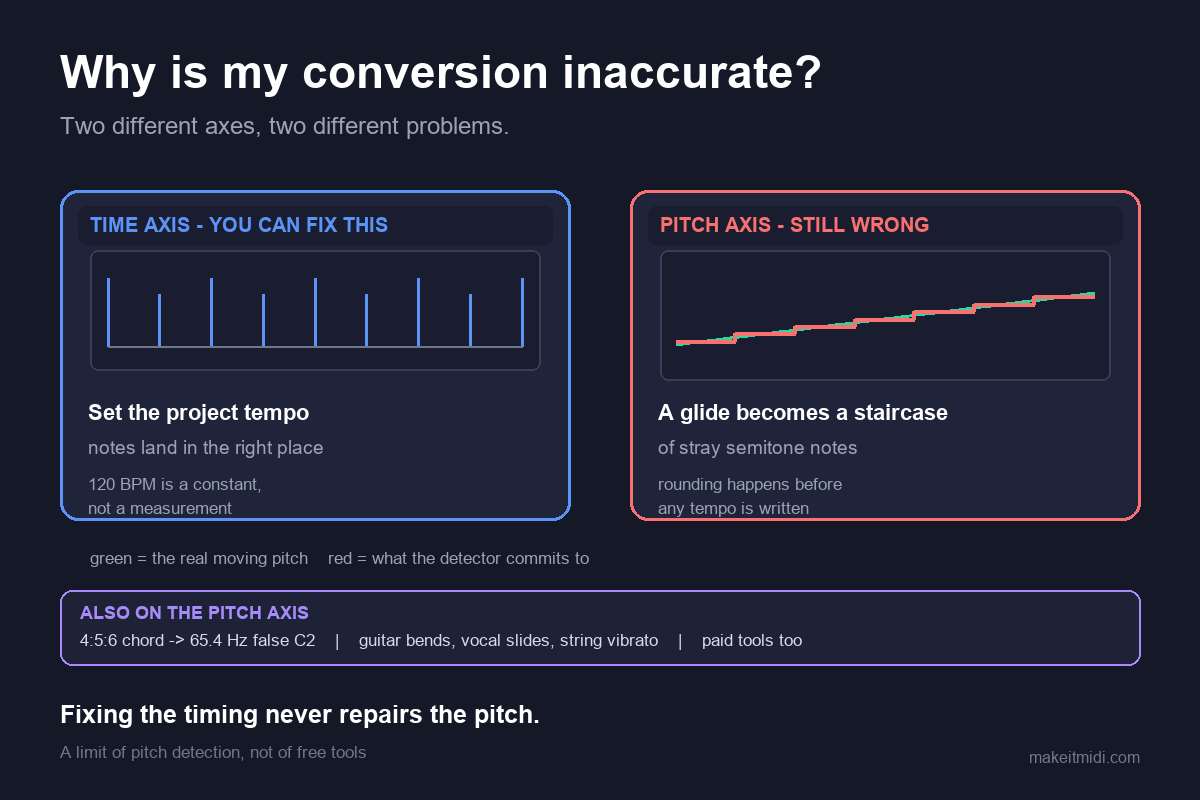
What the converter actually extracts
The tool reads your audio entirely in your browser and pulls out one melody line from it. There is no upload and no account: the audio never leaves your device, and you download a Standard MIDI File (format 0, a single track, 480 ticks per quarter note, 120 BPM) holding the detected notes. It handles anything your browser can decode, typically MP3, WAV, OGG, M4A/AAC and FLAC. Because it follows one voice, it is at its best on clean, single-line sources.
Why dense and polyphonic mixes lose detail
A chord, a full band, or a busy arrangement has many notes sounding together. Single-line extraction can only follow the strongest fundamental pitch at any moment, so the other voices collapse into that top line. A piano reduction might keep the melody and drop the accompaniment; a dense mix might jump between the loudest parts. No accuracy percentage is claimed here, because the honest answer is that the result depends entirely on the recording you start with.
Three ways to get a cleaner result
1. Start from a cleaner source
A solo vocal, a single instrument, or an isolated stem gives the most usable MIDI, because there is only one voice competing for attention. If you can record or export the part on its own, do that before converting.
2. Separate the stems first
If you only have the finished track, isolate the melody with a stem splitter, then convert that isolated stem. Feeding the converter one voice instead of a full mix is the single biggest improvement you can make.
3. Fix the notes in your DAW
The .mid you get is a starting point, not a finished score. Open it in any DAW or notation program — Ableton, Logic, FL Studio, GarageBand, MuseScore — and correct the stray or missing notes by ear. The converter handles pitch detection; the arrangement is yours to tidy.
What you get and what you don't
You get a single melodic line you can edit, transpose, and build on. You don't get a multi-instrument arrangement or a perfect transcription of a complex mix, and that limit is stated plainly rather than hidden. For clean, single-line audio the result is genuinely usable; for thick, polyphonic material it is a rough draft worth cleaning up.