← Back to the MP3 to MIDI converter
Can I convert MP3 to MIDI on Mac and Linux without installing software?
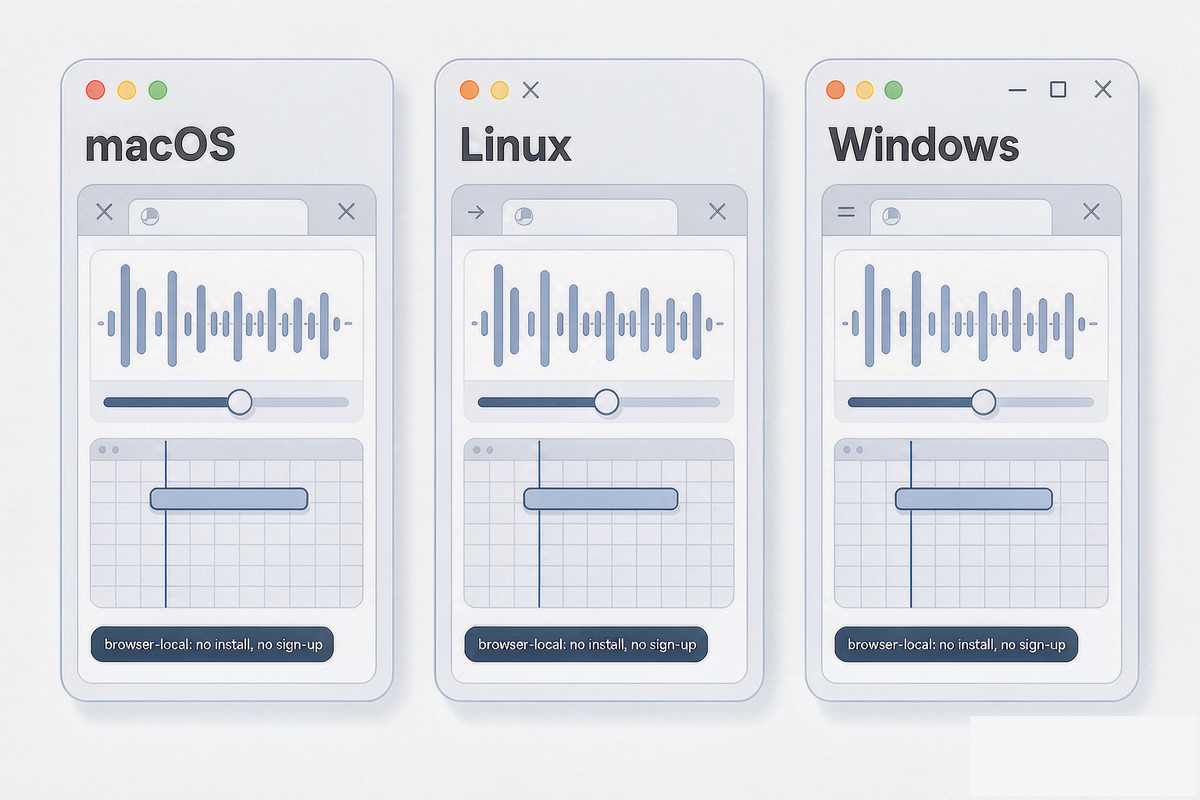
Yes. A browser-based converter runs identically on macOS, Linux and Windows because the entire job happens inside the page — decode, pitch detection and the MIDI write all run in JavaScript on your device. There is nothing to install, no account and no file upload, so the operating system does not matter.
Why it runs the same on every operating system
The conversion happens in the page, not in the OS. This converter decodes your audio with the Web Audio API and runs the pitch detection in JavaScript, both of which are provided by the browser rather than the operating system. So the same URL behaves the same on macOS, Linux and Windows. The file is read on your device and never uploaded; there is no server in the loop and no account, so nothing about the conversion depends on which platform you opened the tab on. You can open the same link in Safari on a Mac, Firefox on Linux, or Edge on Windows and the output is produced by the same in-page code.
What "works on Mac and Linux" actually asks
People search mp3 to midi mac and mp3 to midi linux mostly because many older desktop converters ship only a Windows installer, or ask you to download an app and sign in before you can use them. The friction is in the software distribution, not in the conversion itself. A browser tool removes that friction completely: there is no installer to match to your distribution, no package to fetch from a repository, and nothing tied to your Apple ID or your Linux package manager. The conversion code is identical whether the tab is open in Chrome, Safari, Firefox or Edge, which is why a page like this one needs no "Mac version" or "Linux version" at all.
The one limit that is identical everywhere
During a pitch bend, slide, vibrato or ornament, the true fundamental frequency moves continuously between semitones. Each short analysis frame is quantized to the nearest note, so one sustained pitch becomes a small cluster of neighbouring semitones. Microtonal material gets pulled onto the nearest step of twelve-tone equal temperament for the same reason. This is worst on guitar bends and wide vibrato, vocal slides and melisma, string vibrato, blues and soul phrasing, and microtonal music; it is nearly absent on clean, isolated piano single notes and a steady synth lead.
A just-intoned major triad sits at the ratio 4 : 5 : 6: C4 (261.63 Hz), E4 (329.63 Hz) and G4 (392.00 Hz) are all close to integer multiples of 65.4 Hz, so a period-based detector can lock onto that shared repetition and report about 65.4 Hz — C2, two octaves below the lowest note actually played. None of this is specific to an operating system. macOS does not detect bends more accurately than Windows, and Linux is not a weaker converter. It is the arithmetic of the audio itself, not the platform running the detector. We publish no accuracy percentage, because the result depends entirely on the recording, and any single number would be a guess.
How to convert on macOS or Linux
- Open the converter in your browser. No install, no sign-up. It works in Chrome, Safari, Firefox or Edge on macOS or Linux.
- Pick the MP3 (or drop it onto the page). The file is read on your device, so it never leaves your machine.
- Download the .mid. A few seconds later you have a Standard MIDI File you can open anywhere.