← Back to the MP3 to MIDI converter
Can You Convert MP3 to MIDI Offline?
Yes. The conversion runs entirely inside your browser tab, so your MP3 is decoded and turned into MIDI on your own device — nothing is uploaded to a server, and no account is required.
How "offline" MP3-to-MIDI conversion actually works
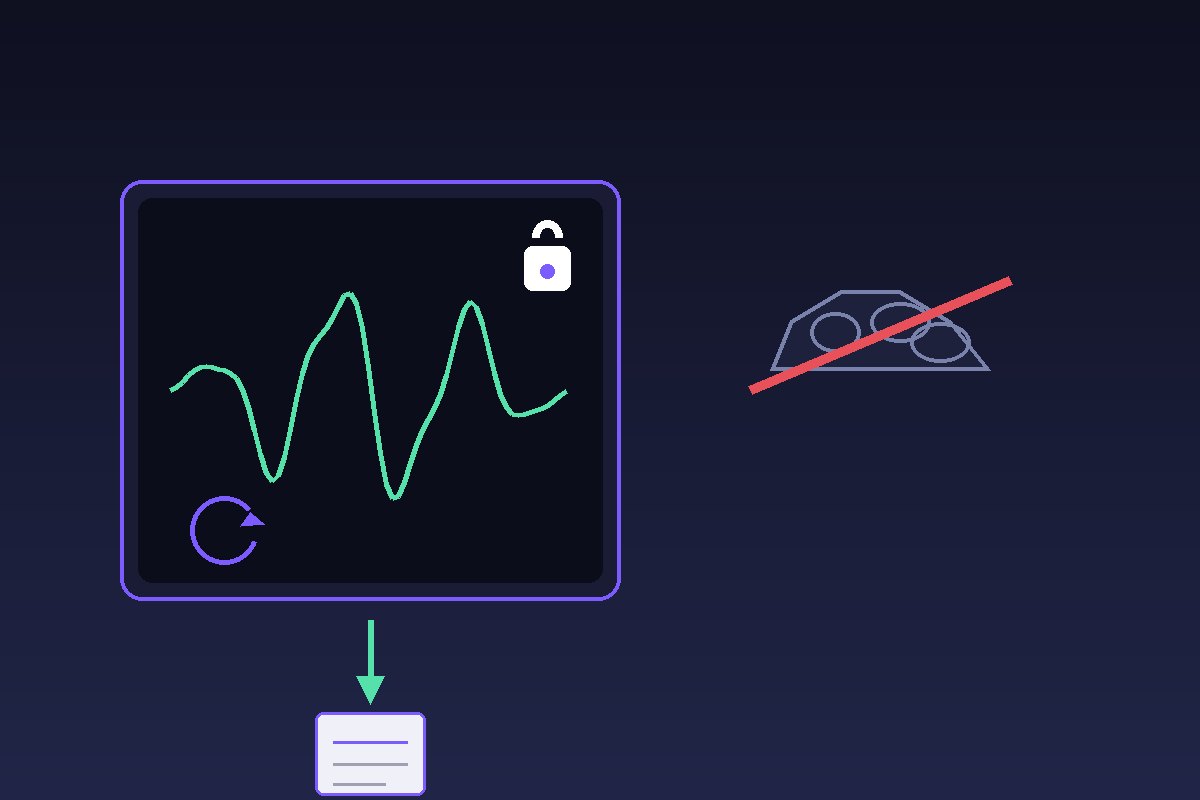
Our converter is a web page that does the work inside your browser tab — not on a remote server. When you open it, the page loads once (that step needs a connection). After that, everything happens on your own device: the MP3 is decoded with the browser's built-in audio decoder, a pitch-detection pass reads the waveform, and a Standard MIDI File is built locally. Your audio is never sent anywhere.
That is the key difference from cloud converters. Many "online" tools upload your file to a server, analyze it there, and send a result back. This one does not. There is no upload, no account, and no login — you drop an MP3, it is converted on the device, and you download a .mid directly. The code imposes no file-length or file-size limit; the only ceiling is your device's memory. It handles the formats the browser can decode: MP3, WAV, OGG, M4A/AAC, and FLAC.
Why running it locally matters for privacy
Because the audio never leaves your machine, the conversion works on material you would not hand to a random upload form: unreleased demos, client tracks, or anything sensitive. Nothing about your file travels over the network, and because there is no account, nothing is tied to your identity either.
This is also why the output is a plain SMF format 0 file — a single track, 480 ticks per quarter note, 120 BPM — that you can open in any DAW or editor. You are not locked into someone's cloud library; you get a file you own.
What local conversion can and can't do
Being local does not change the physics of pitch detection, so it is worth being honest about the edges:
- It extracts one melodic line, not a full multi-instrument separation. Think lead melody or a single vocal, not "split the whole band into tracks."
- Bends and slides still get quantized. When a note bends (guitar string bends, vocal slides, vibrato, blues/soul inflections) the true pitch moves continuously, and the detector snaps it to the nearest semitone — so it can read as the "wrong" note. Microtonal material gets pulled toward the nearest note in twelve-tone equal temperament too. This is a limit of pitch detection itself, not a sign the tool is "not good enough" — and it is not fixed by paying: people report the same drift on paid $80 converters. Pick a tool by how it handles bends, then tidy them by ear, use a cleaner source, or treat the result as a draft.
- No batch, no history, no login. One file at a time, in your tab, with nothing stored on a server.
How to convert an MP3 to MIDI offline
- Open the converter page in your browser (it loads once).
- Drop your MP3 anywhere on the page, or pick the file. The audio stays on your device.
- Let it run — decoding and pitch detection happen locally, with no upload.
- Download the
.midand open it in any DAW.