← Back to the MP3 to MIDI converter
Is there a free MP3 to MIDI converter that actually works?
Yes — several free converters will turn an MP3 into a usable MIDI file, but almost all of them upload your audio to a server and quietly cap the file size, how many files you can convert, or which instruments they model; MakeItMidi is free, needs no sign-up, and runs entirely in your browser, so it never uploads your audio and those common limits don’t apply.
The catches hidden behind “free”
Free almost always means “free to try,” not “free with no strings.” Across the category, the strings show up in the same few places, so it is worth knowing them before you hand over a file:
- Your audio gets uploaded. Most free converters send the file to their servers to process it. That is a privacy decision you are making for every track you convert, and it is rarely the headline.
- File-size and count caps. A common limit is the size of each upload in megabytes, or how many conversions you get per day or per hour on the free tier.
- Fewer instruments modeled. The free tier often covers fewer instruments or a narrower range of audio, so a guitar or vocal track may be handled worse than a clean piano line.
- MIDI export is paywalled. Some tools only let you download the MIDI on a paid plan, and the free tier gives you a preview, a partial file, or a different format instead.
None of these are a single tool’s flaw — they are the standard shape of “free” in this category. The trick is to know which ones you are accepting.
How MakeItMidi stays free without those catches
MakeItMidi is built so the usual “free” limits do not apply, and the reason is structural rather than a pricing choice:
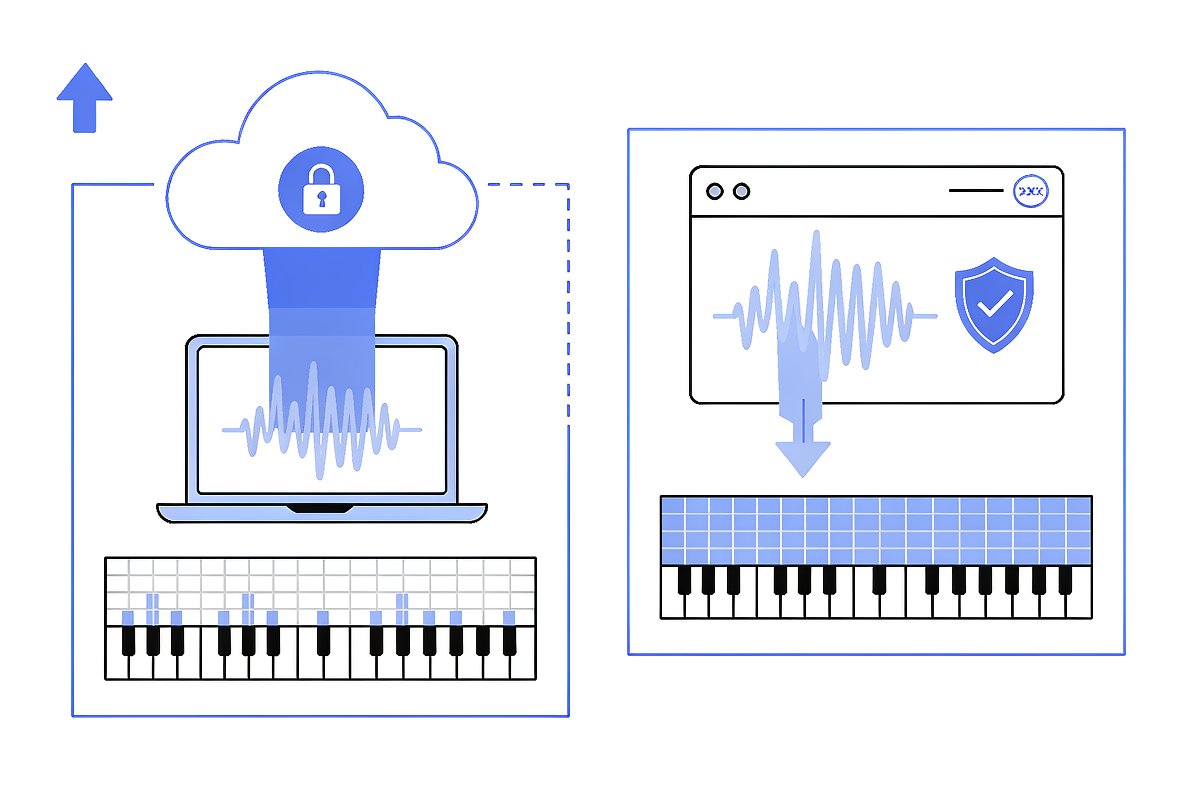
- It runs in your browser. The audio is decoded locally with the Web Audio API; nothing is uploaded, and you do not sign in. The privacy catch above simply does not exist.
- No file-size or daily-count cap is written into the page. The only practical limit is your device’s own memory, not a server quota.
- MIDI export is free. You download a Standard MIDI File (SMF) format 0 directly — no preview-only tier, no separate paid step to get the file.
- It is honest about what it is. It runs a monophonic pitch detector, so it tracks one melody line at a time; that limitation is explained openly rather than hidden behind a paywall.
How to pick the right free tool
A short checklist covers most situations:
- Privacy first? Choose a converter that processes audio in the browser, not one that uploads it to a server.
- Need a specific instrument? Check which instruments are actually modeled before you convert, because free tiers vary here the most.
- Need the actual .mid file? Confirm that MIDI export is free before you upload anything — otherwise you may only get a preview.
- Expecting harmony? A monophonic detector returns one line from polyphonic audio, so isolate each part (a stem splitter, or simply recording hands separately) if you want the full arrangement.
What you get and what to clean up
Whichever free tool you use, the deliverable is the same kind of object: an SMF format 0 file, one track, 480 ticks per quarter note, 120 BPM, holding the detected melody. Clean, single-note sources come out strong; chords and dense mixes come out as one line plus light cleanup, which is explained on the polyphonic and dense mixes page. The only tuning issue to expect is on pitch bends — slides and glissandos — which read as out of tune because the detector has to snap a moving pitch to a note; that mechanism is covered in why MP3 to MIDI sounds out of tune. Treat the first pass as raw material and finish it in your DAW using the FL Studio and GarageBand import guide.
Convert an MP3 to MIDI for free