← Back to the MP3 to MIDI converter
How do I convert an MP3 to MIDI on my phone?
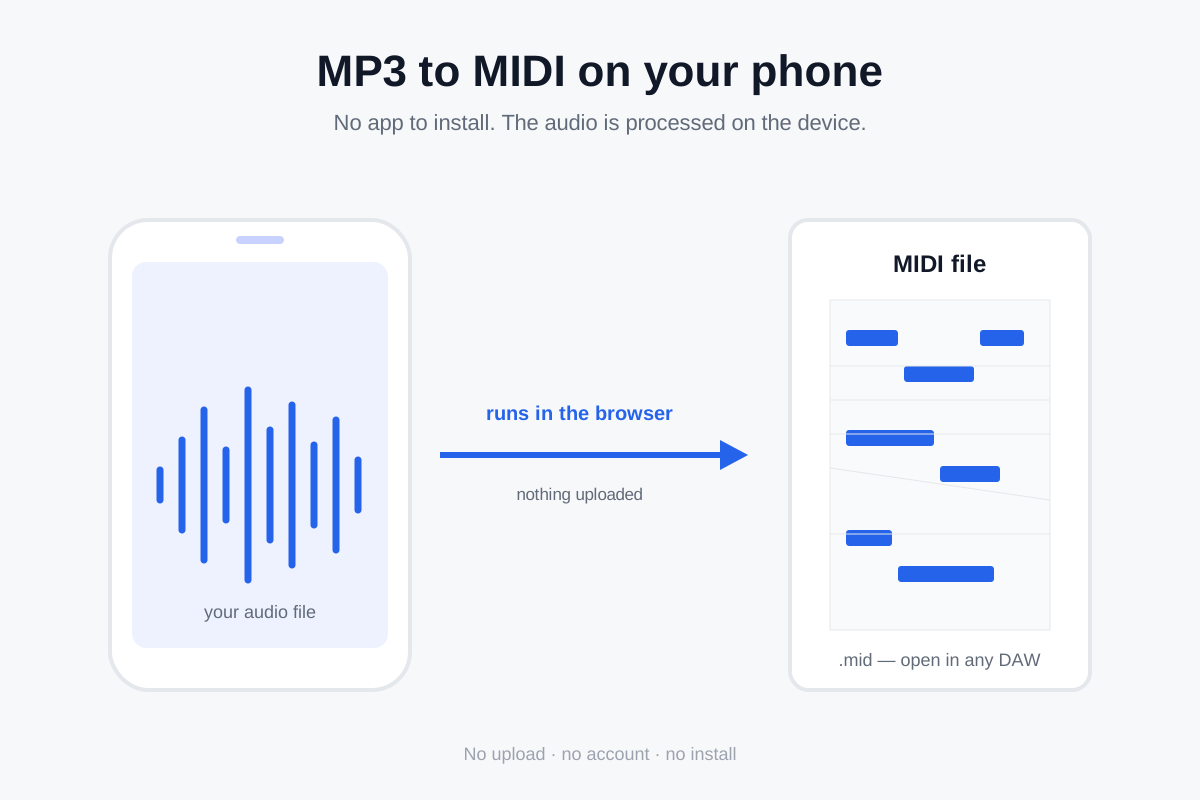
You don't need to install an app. Open this page in your phone's browser, choose the audio file, and it writes a Standard MIDI File on your device — nothing is uploaded, and there is no account to create. The same page that works on a laptop works on a phone.
Why a phone browser is enough
This converter is a web page, not an app. There is nothing to download from an app store and nothing to install. When you open the page, your browser loads the converter's script and a small model file, then does the work locally: it decodes your audio into samples with the Web Audio API and passes them to a neural network (Spotify's open-source Basic Pitch) running in the browser through TensorFlow.js. The audio never leaves your phone.
That matters on a phone for two reasons. First, there is no app permission to grant, no storage to manage and no account to sign into. Second, because the audio is processed on the device rather than uploaded, you are not sending a personal recording to someone else's server just to get a MIDI file back. The only thing fetched from the site is the converter's own model file — a static asset, the same kind of download as a stylesheet. Your song is never part of any request.
Step by step: iPhone and Android
On iPhone (Safari)
- Open the converter page in Safari. If your audio is in another app (Voice Memos, Mail, a cloud drive), save or share it to the Files app first.
- Tap the file box on the page and choose the audio file from Files.
- Tap Convert to MIDI and keep the tab open while it works — leaving the tab or locking the screen can pause the processing.
- When it finishes, tap Download .mid. The file saves to Files, where a DAW or notation app can open it.
On Android (Chrome)
- Open the converter page in Chrome.
- Tap the file box and pick the audio from Files or Downloads.
- Tap Convert to MIDI and keep the screen on while it runs.
- Tap Download .mid; it lands in Downloads.
What to expect on a phone versus a laptop
The model is the same one the desktop page uses, so the notes it finds are the same. What changes is the hardware underneath it. Phones have less memory and a slower processor than a laptop, so a long file takes longer to analyse, and a very large file can run out of memory and fail. There is no fixed length or size limit written into the page — how much you can process depends on your device. For a quick result, trim the clip to the phrase you care about (a minute or two) before converting.
Two limits carry over from the desktop version unchanged. The model is polyphonic: it estimates several notes at once, so chords and overlapping parts show up in the MIDI rather than a single melody line — but a full-band mix is still one combined signal, and the instruments are not split into separate tracks. And any note that bends, slides or wobbles gets rounded to the nearest semitone, so bend-heavy material (guitar bends, vocal runs, vibrato) comes out out of tune. That is a property of note-based MIDI, not of the phone — see why MP3 to MIDI sounds out of tune for the full explanation.
Which audio files you can pick on a phone
Anything your phone's browser can decode. In current mobile browsers that typically includes MP3, WAV, OGG, M4A / AAC and FLAC. If the browser cannot decode the file, the page says so instead of guessing — so an unusual format that will not open is a format problem, not a broken converter.
FAQ
Does it upload my song from my phone?
No. Decoding and pitch detection both run in your phone's browser, so the audio stays on the device. This is the difference between a converter that genuinely works locally and one that only says it does.
Is it free, and do I need an account?
It is free and there is no account. There is no sign-up wall and no login step between you and the MIDI file.
Will a long song work on a phone?
Often, but not always. Long files need more memory, and phones have less of it than laptops. If a full song fails, trim it to the section you need and convert that — the result for that section is the same.
Why do some notes come out wrong?
Two usual causes. Overlapping instruments are approximated rather than separated (the model is polyphonic but does not split stems), and any pitch that moves continuously — a bend, a slide, vibrato — is rounded to the nearest semitone. Both are described in why MP3 to MIDI conversion is inaccurate, with fixes.
Does it work offline?
Not fully. The page and its model file have to load once, so you need a connection the first time. After that the conversion itself runs locally on the device.